A system beats random chats
Save the way you write proposals and updates once—then reuse it—instead of reinventing the wording in a new chat every time.
OpsDrop is a downloadable kit that shows you how to use everyday AI tools (like ChatGPT) for real client work— turning messy call notes into clear briefs, drafting proposals faster, following up without awkwardness, and checking in on your week. No coding. No new app to learn.
One-time purchase · Opens as regular documents · You stay in control of every message

Watch a real example
A calm walkthrough with voiceover (~1 minute): messy client notes become a clear brief, a proposal draft, simple follow-ups, and a Friday check-in—explained in plain English.
Why it helps
Lots of freelancers try ChatGPT, get a few good drafts, then end up with a pile of open tabs and no repeatable process. OpsDrop gives you a clear way of working—so AI helps with the same client steps every week, instead of starting from scratch.
Save the way you write proposals and updates once—then reuse it—instead of reinventing the wording in a new chat every time.
Small daily steps so the kit actually lands in your folders—not another PDF you meant to read later.
Open the files in Notion, Apple Notes, Google Docs, or a plain folder. You don’t need a special OpsDrop app.
Ready-to-paste AI requests for call notes, proposals, research, quality checks, follow-ups, and weekly reviews—not a dump of 1,000 random tips.
Written for freelancers, consultants, and groups of about 2–5 people—not corporate process theater.
AI helps draft. You read and edit before anything goes to a client. Calm tone. No get-rich promises.
See examples
These are sample views of the real files (wording lightly shortened for the website). The idea is simple: you can see the shape of the system before you buy.
Starter kit
Day 1 — Make a home for your system
Day 2 — Put your checklists in place
Miss a day? Just pick up where you left off.
AI prompts
Also includes prompts for proposals, research, quality checks, follow-ups, and weekly reviews.
Follow-Up Pack
Also covers “waiting on files” notes and clean close-the-loop messages.
The Drop membership
Each month focuses on one client-work problem—not a firehose of tips.
How you get it
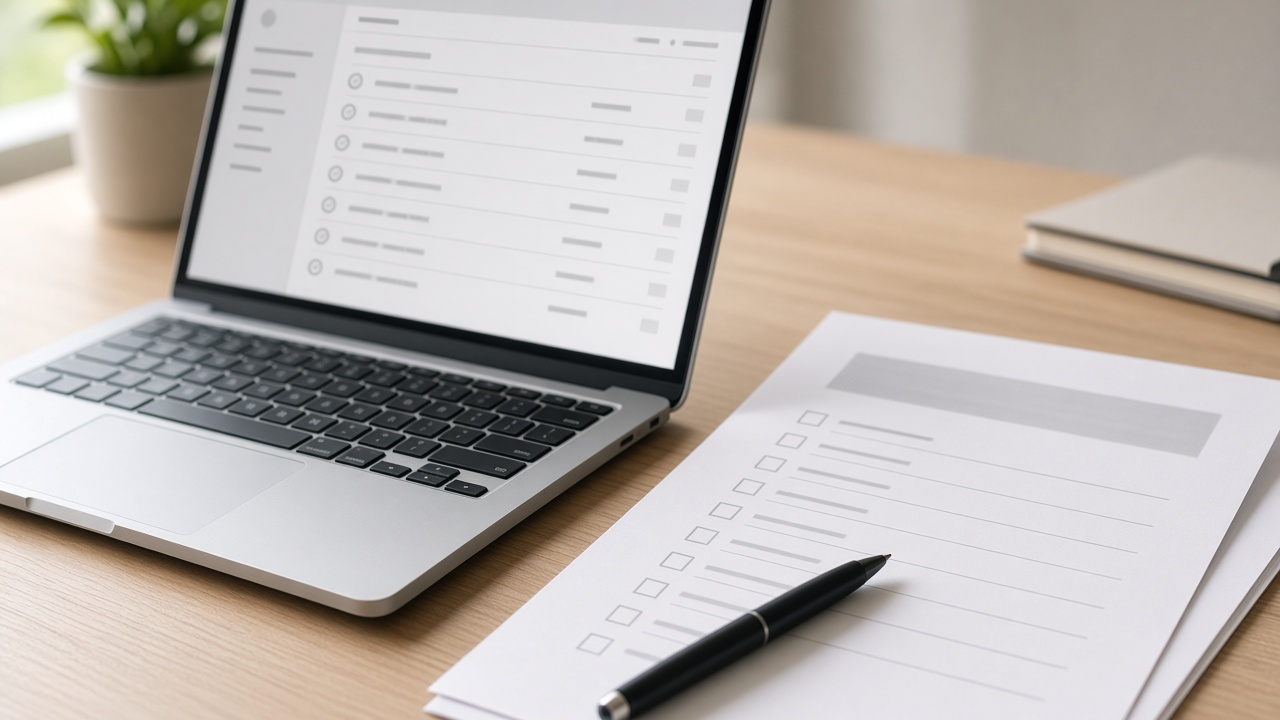
You receive regular documents—not a long video course you’ll never finish. Make a few folders, paste in the prompts, and follow the 14-day plan at your own pace.
What’s in the kit
$127 one time. You keep this version. The monthly membership is optional and separate.
Plain-English how-to for using AI in client work: calls, proposals, delivery, follow-ups, Friday reviews, and staying ethical.
Ready-to-paste requests for ChatGPT (and similar tools), organized by job—plus five “daily” prompts to keep handy.
Step-by-step checklists for proposals, call notes, weekly reviews, and client updates—you can paste them into Notion or Notes.
A day-by-day path so the system gets used. Includes a clear note that this is education and templates—not a results guarantee.
Pricing
Straightforward pricing. You check out on Gumroad.
The full starter kit for freelancers and small teams who want a reusable AI workflow.
One-time · digital download
Ready messages so proposals don’t disappear after you hit send.
One-time · works alone or with the starter kit
Each month: one focused guide + prompts for a single client-work problem.
or $290/yr · cancel anytime
FAQ
What this is, what it isn’t, and how buying works.
No. If you can copy text into ChatGPT (or a similar tool) and save a document, you can use OpsDrop. The kit is written in everyday language.
Think of AI here as a writing assistant you chat with. OpsDrop gives you better questions to ask it—and checklists so client work stays consistent. You still decide what gets sent.
No. It’s educational templates for client work. Results depend on your skills, market, and effort. We don’t promise income.
No. You get a guidebook, ready prompts, checklists, and a 14-day plan so the system gets set up—not another bookmark.
No. The files are regular documents. Notion is optional. Apple Notes, Google Docs, Obsidian, or a folder on your computer all work.
14-day fair digital refund on one-time products. Email support@getopsdrop.com with your order ID and a short reason. Membership: cancel anytime; access continues through the paid period.
No. The Operator System ($127) stands on its own. The Drop is optional if you want a fresh guide each month.
It’s written for solo and small-team client work in general. You adapt the examples to your services. Always review AI drafts before clients see them.
Start with the Operator System. Add follow-ups if proposals go quiet. Join The Drop only if you want a new monthly guide.